Shopping Cart
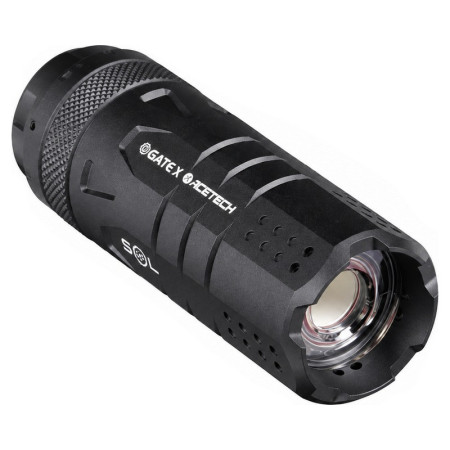
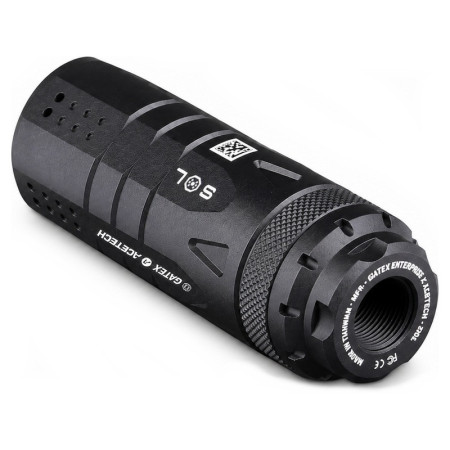
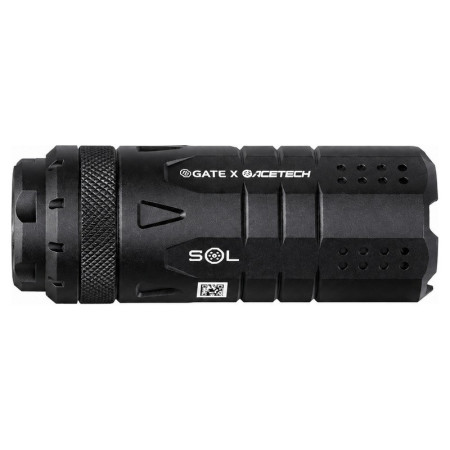
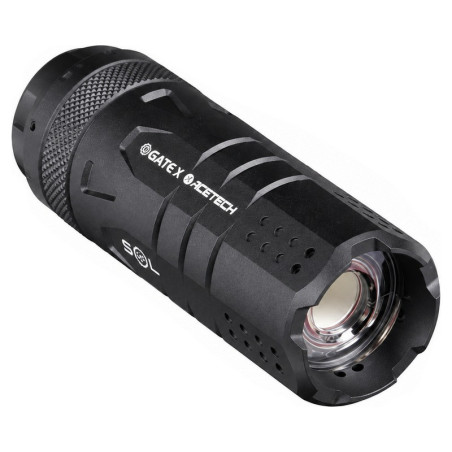
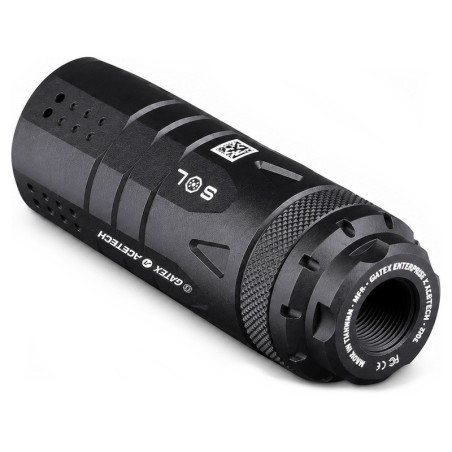
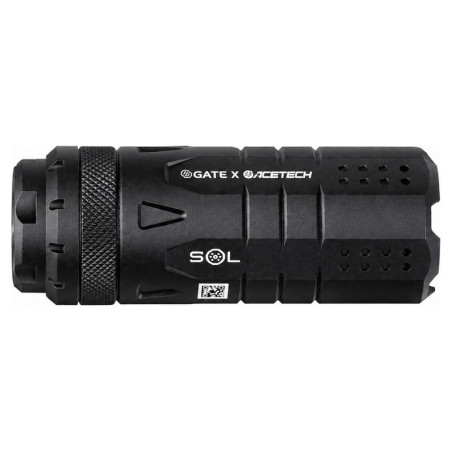

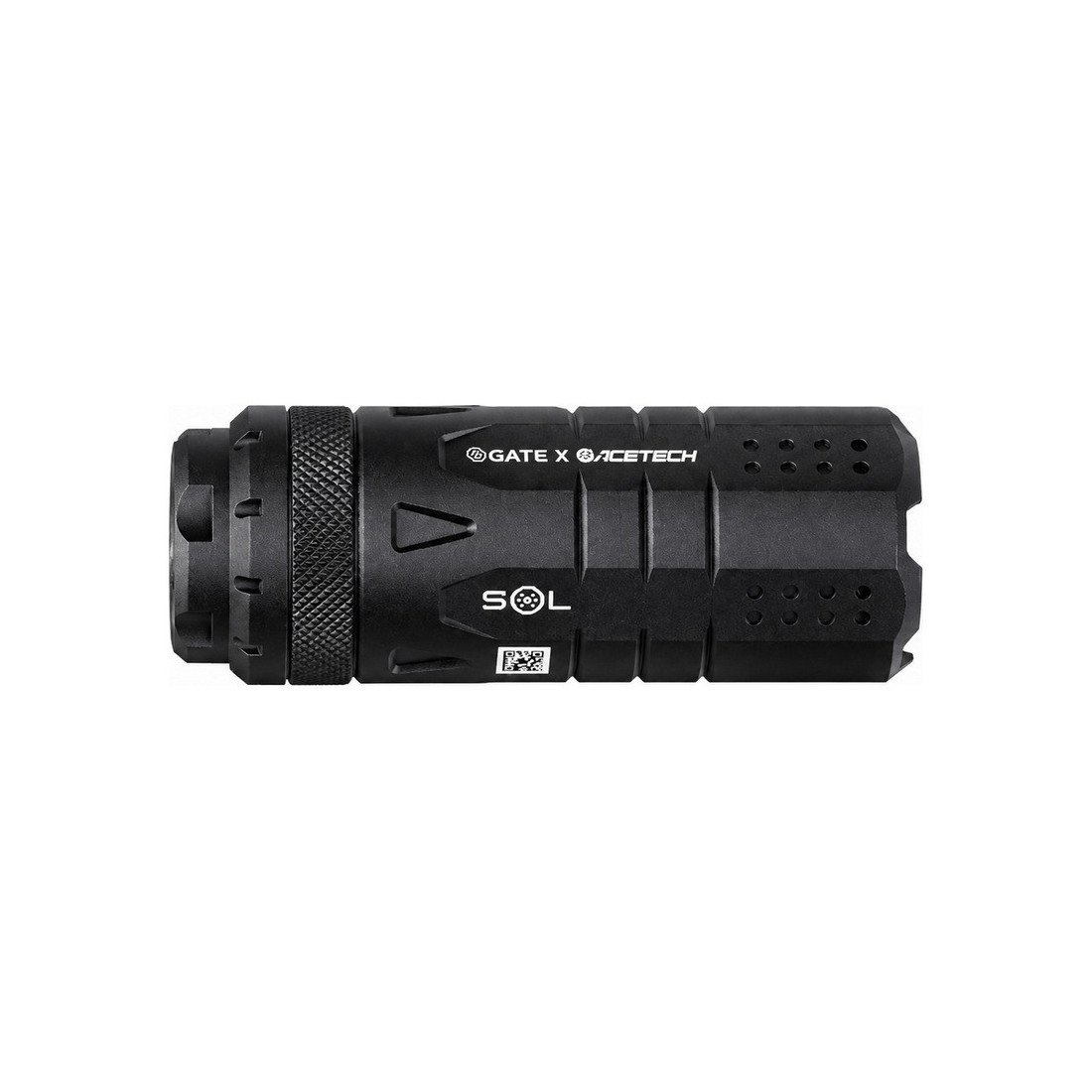
The first tracer with a chronograph that connects to the GATE Ecosystem.
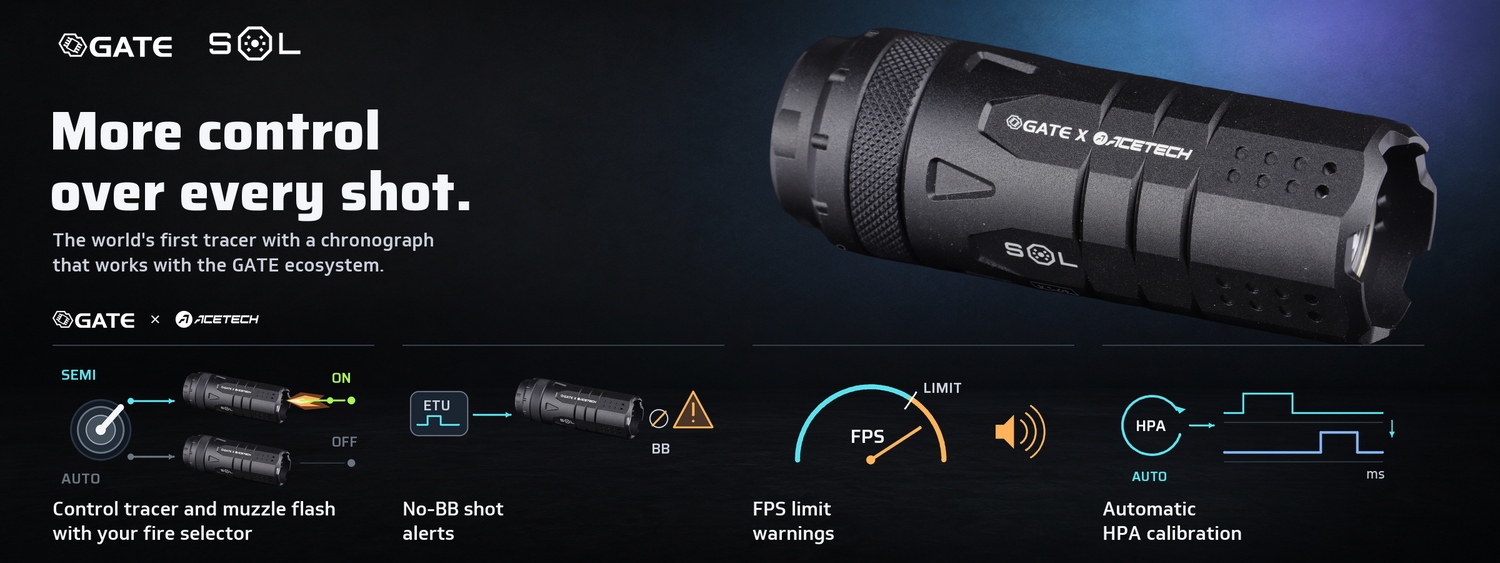
Switch your tracer or muzzle flash on and off with your fire selector
Assign tracer or muzzle flash settings to selector positions in GCS. For example, set the tracer on for the SEMI position and off for AUTO. Both selector positions can be configured to fire in semi-auto, so you can switch your tracer on and off during the game without reaching for your phone. The same control is available for muzzle flash.
Get alerts when your gun fires without BBs
SOL and your ETU detect shots where no BB leaves the barrel. An alert lets you know it is time to check your magazine and feeding.
Get a warning when a shot exceeds your FPS limit
Set your FPS limit in GCS and choose an audible warning or a muzzle flash. You can also enable your ETU to block further firing after a shot exceeds the limit.
Calibrate your HPA engine automatically
Follow the steps in GCS and fire the requested shots. SOL measures BB velocity, while your ETU automatically adjusts valve timing. Adjust pressure manually at the regulator, following the app’s guidance.
One app. Your entire setup.
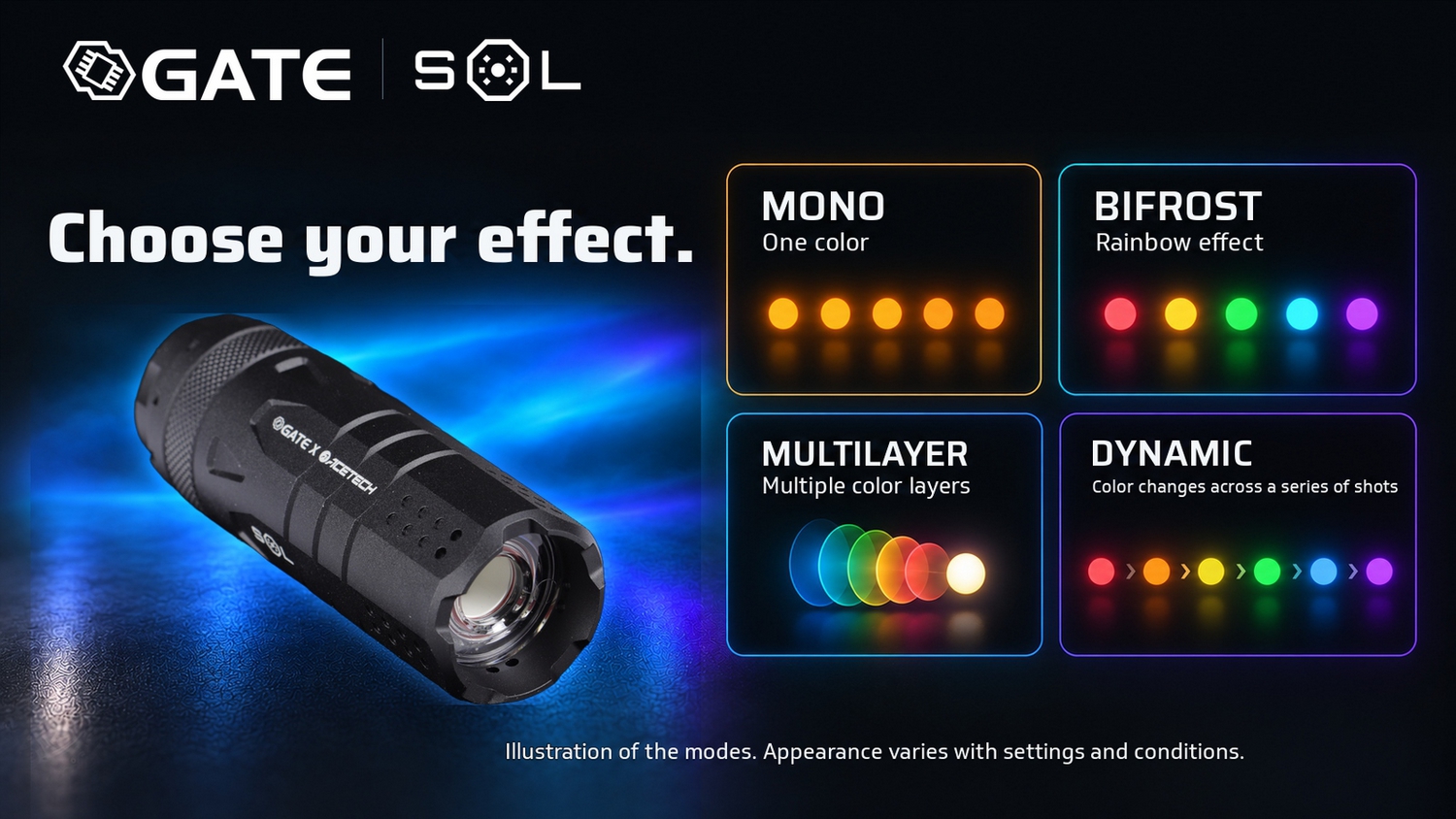
Choose tracer modes, muzzle flash colors and effects in GATE Control Station. Check measurements, device status and firmware updates in the same place. Use SOL on its own with GCS, or connect it with compatible GATE devices. SOL supports simultaneous connections to multiple devices.